Creating Payroll Job Codes
How to set up Payroll Jobs in Namely Payroll.
Creating a Job Code
To create a job code:
-
Login to your Namely HCM site.
-
Click on Company.
-
Click on Settings.
-
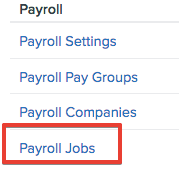
Scroll down to Payroll and click Payroll Jobs.
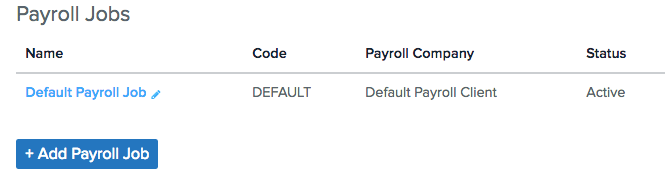
By default you will see the Default Payroll Job. This is used to capture employees' base salary and cannot be removed. If you have an employee that doesn't have multiple jobs, their base salary will default to this payroll job. You may rename the Job Name in edit mode.
-
Click Add Payroll Job to add new jobs to Namely Payroll.
Once new Job Codes are added, they will become available from the dropdown when entering a new employee salary.