How do I update my Login background image?
To update your Login background image:
-
From your Home page, go to Company.
-
Click on Settings > Company Info.
-
Go to Custom Images > Upload File > Save.
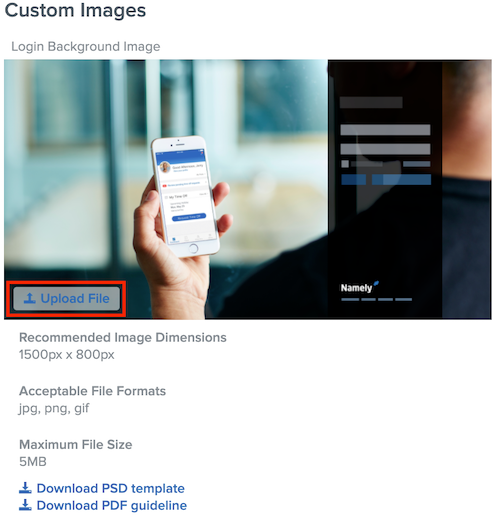
Note: Recommended image specifications, templates, and guides are listed below.