End of Day ACH Review
The ACH Batcher starts to pick up clients at 3:40PM EST. After the ACH batcher fully processes, it is important to ensure there are no pending credits/debits remaining in the pending state. You can review these sections after 4:06PM EST.
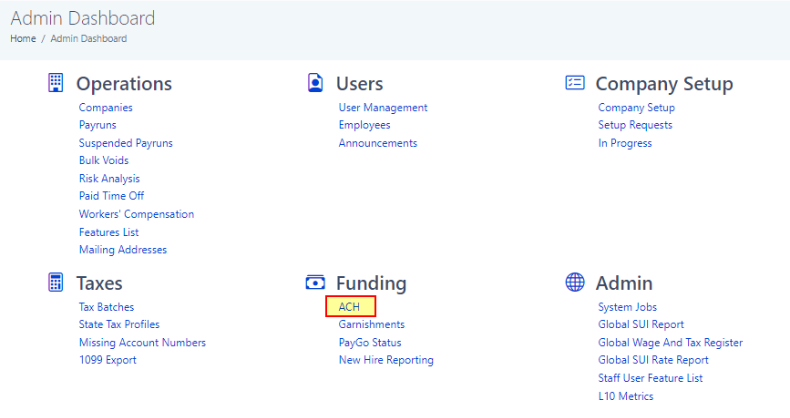
1. From the Admin Dashboard, select ACH under the Funding category.
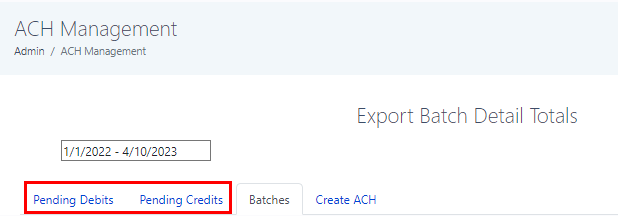
2. Select the Pending Debits or Pending Credits tab
3. It is important to review the Debit Due or Credit Due columns.
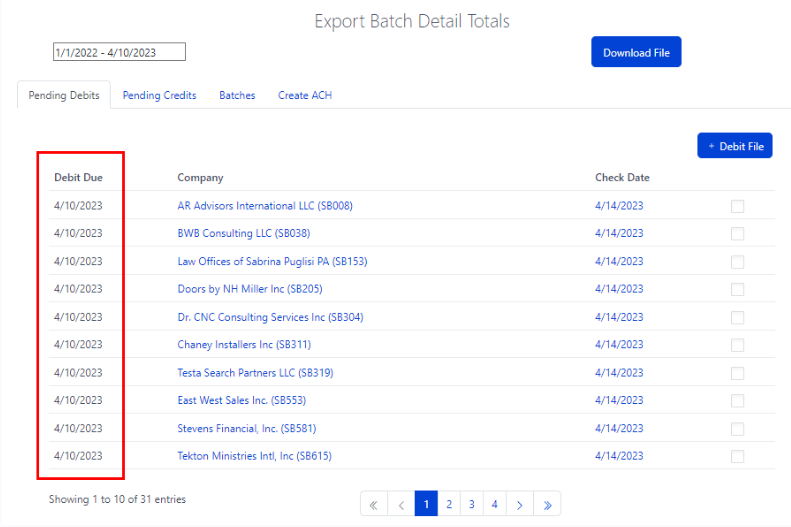
Pending debit screen notes:
- Clients that had to wire payrolls, will still show in the pending list. You can right click and open in a new tab the client dashboard. Review the payroll to see if the Funding method is set to wire. These can be skipped over.
- Any voided/reprocessed payrolls will also show in this list as pending. These can be skipped over.
Reference Articles:
Processing Manual CPO ACH Batches